
MADE FOR A SECOND SCREEN
Familiar, touchable, nearby.
The browser preserves AviTab’s native proportions and lets you use its interface from your tablet. No HDMI connection or dedicated tablet application is needed.
FREE SOFTWARE · WINDOWS + LINUX
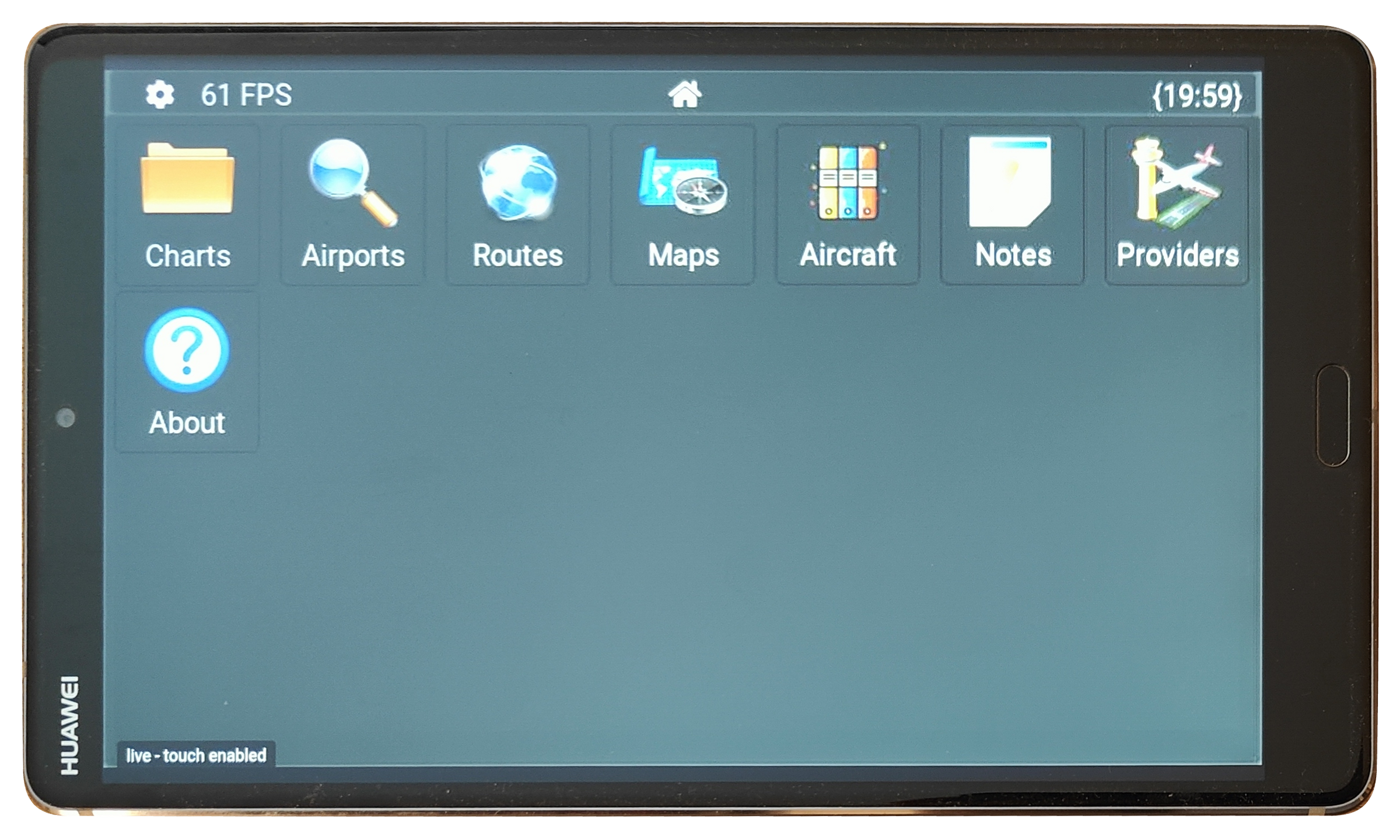
Use AviTab in a normal web browser on your tablet, with touch controls enabled. Keep your flight bag beside your controls while the simulator stays on the main screen.
FROM YOUR PC TO YOUR TABLET
Use any tablet with a compatible modern web browser, whether it runs Android, iPadOS or Windows. There’s no dedicated tablet app to install.
Tap the familiar AviTab controls directly on the screen. The flight bag stays within reach without taking space from your cockpit view.
REAL SOFTWARE. REAL TABLET.
Photographs from a working installation. Step through the photographs to see the native AviTab interface through Remote AviTab.
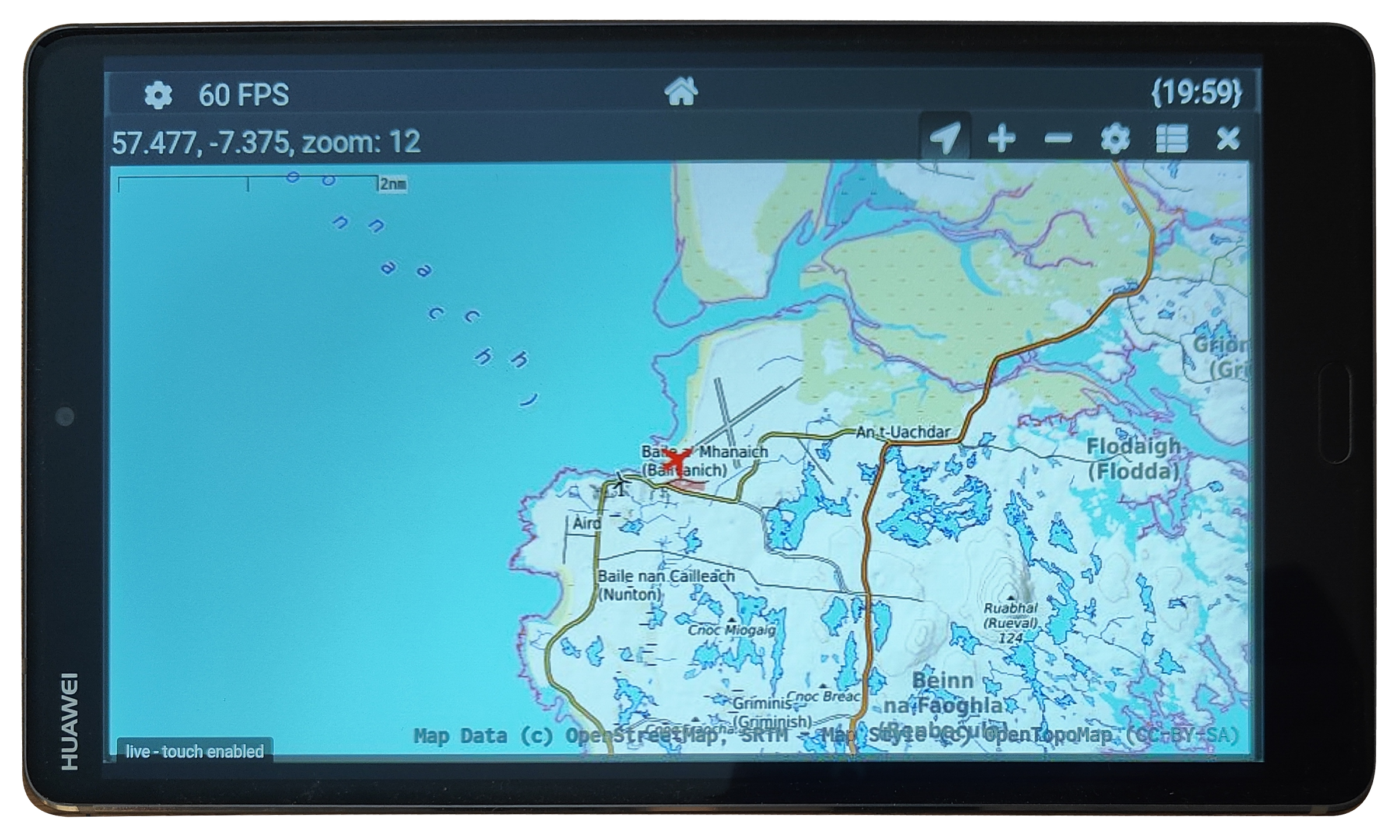
AviTab and map content come from your separately installed plugins and providers. The version shown on AviTab’s About page is the AviTab plugin version; the latest Remote AviTab release is listed on our downloads page.
ON YOUR SIMULATOR PC
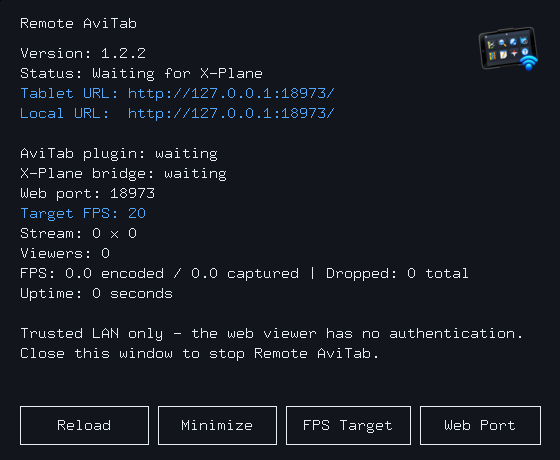
The Remote AviTab desktop application connects to the simulator and shows the local browser address. Open that address on your tablet to start using AviTab with touch.
MADE FOR A SECOND SCREEN
The browser preserves AviTab’s native proportions and lets you use its interface from your tablet. No HDMI connection or dedicated tablet application is needed.
BEFORE YOU DOWNLOAD
You need X-Plane, a matching native AviTab installation, and a tablet on the same trusted LAN. The browser viewer has no login; keep it on your local network.
Remote AviTab is independent of Team Avitab and Laminar Research. AviTab is not included. Free Windows and Linux installers are available from the downloads page, with the latest release version shown.
Tell us about your setup or share what you would like to try.